-5.2 lbs
Body weight
Long Road Fitness brings body metrics, nutrition, workouts, recovery, goals, and photos into one place so progress is easier to recognize and understand.
Contact usProgress
Your data, one view
Weight trend
184.2lbs
Moving toward your goal
Jul 25
184.2 lbs
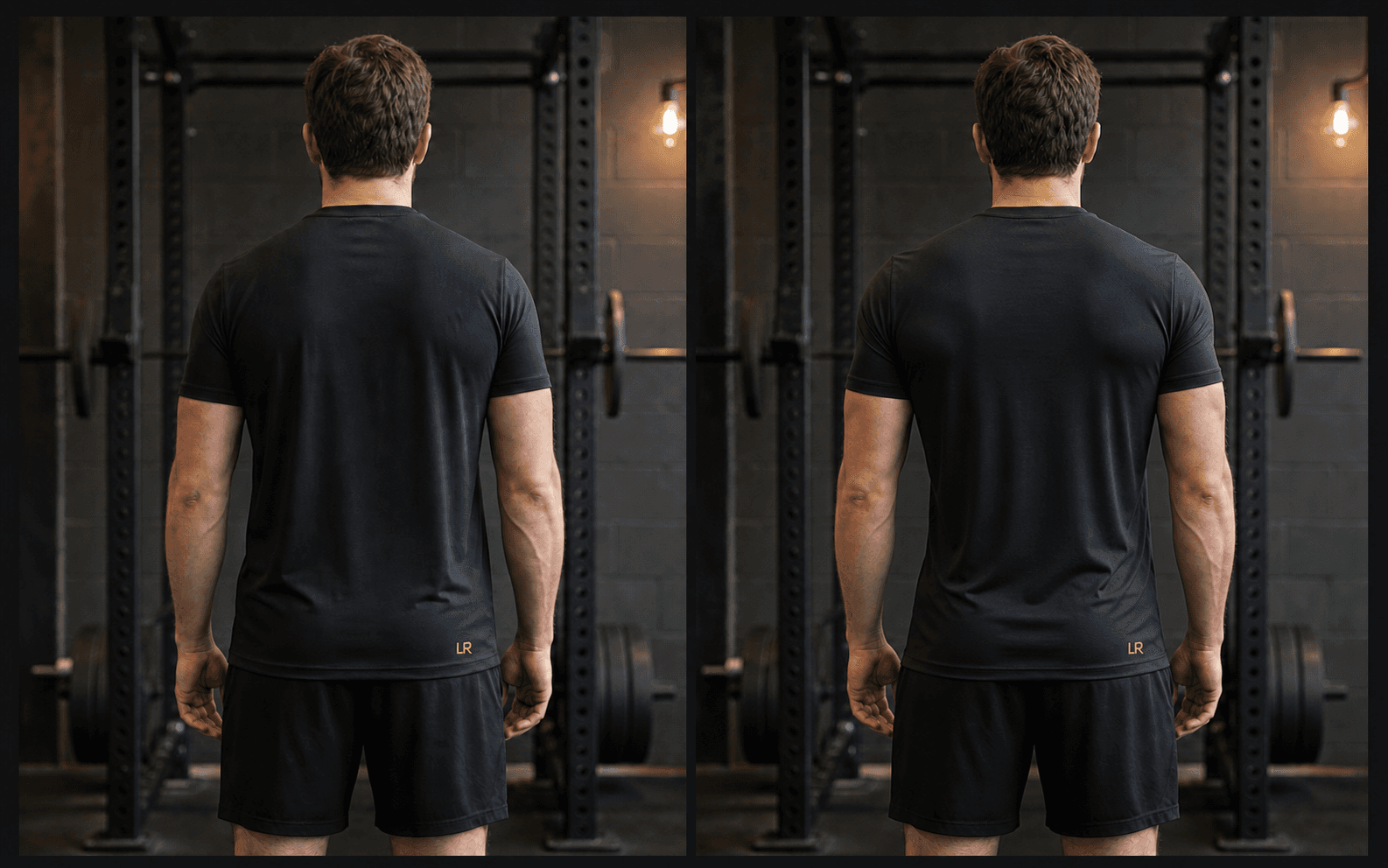
Overall comparison
Same angle. Different point in the journey.
Progress photos + real outcomes
Compare front, side, or back photos across a week, month, or your full history, then view them beside the habits and outcomes recorded over the same journey.
-5.2 lbs
Body weight
24 logged
Workout days
171g / day
Protein average
Goal progress
Started
192.0 lbs
Today
184.2 lbs
Goal
175.0 lbs
Your weight trend is moving toward your goal while workout consistency remains steady.
Keep the current direction and review again after another complete week.
Long Road Fitness can show body weight, body fat, muscle mass, calories, protein, workout days, training volume, estimated strength, recent PRs, steps, sleep, water, and progress photos when those records are available.
Yes. The main progress view supports 30-, 60-, and 90-day ranges, and individual metric pages can also group records by day, week, or month.
Yes. Open a metric to see its dedicated history, trend, target when one exists, and supporting context without losing the full progress view.
Upload front, side, or back photos and compare available sessions by week, month, overall history, or a custom selection. You control which photos remain saved.
The app shows an honest empty or limited-data state and prompts you to keep logging. It does not manufacture a trend from missing history.